Keep the UI your agent writes consistent.
Tavero scans your running React app, finds drift in buttons, cards, colors and spacing, and gives your coding agent each fix with the file, the line and the token to use. Free and open source.
7 text button styles
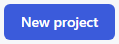
Button "primary" · canonical · 9 renders
src/components/Button.tsx:4 · bg #3b5bdb, text #ffffff, radius 6, padding 10/16, 14px/600, border 1px, no shadow
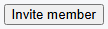
written in Team · 3 renders
src/pages/Team.tsx:6 · bg #f0f0f0, text #000000, radius 0, padding 1/6, 13px/400, border 2px #000000, no shadow
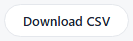
written in Reports · 3 renders
src/pages/Reports.tsx:7 · bg #ffffff, text #1d2433, radius 999, padding 9/18, 13px/500, border 1px #e4e7ec, no shadow

written in Settings · 3 renders
src/pages/Settings.tsx:12 · bg #e03131, text #ffffff, radius 4, padding 10/16, 14px/600, no border, no shadow

written in Billing · 3 renders
src/pages/Billing.tsx:8 · bg #4263eb, text #ffffff, radius 8, padding 11/18, 14px/600, no border, no shadow
Expected on the 4 other styles: Button "primary", or the allowed "ghost" and "secondary", chosen by a person in the panel.
What Tavero finds
Four rules, run on what the browser renders at mobile, tablet and desktop widths. Every finding names the component and the source line. Examples from the Acme demo, 6 pages.
Buttons
Distinct button styles, near duplicates, and buttons written in page markup instead of the shared component.
Cards
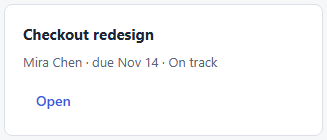
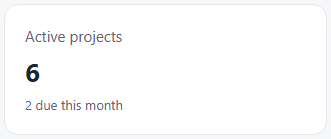
Card-like containers that differ in background, border, radius, padding or shadow. 3 card styles in the demo.
Colors
Colors outside your tokens, the nearest token, and the place where the literal is written.
#206f4asrc/tones.ts:3→ no close token (nearest --acme-muted #5b6475, ΔE 27.1); add a token
Scales
Radius, spacing, font size and shadow values that are not on the scale your tokens declare.
radius off the scale: 4px, 8px, 14px, 999px · declared: 10px, 6px
Your agent closes the findings
Tavero runs as an MCP server. The agent reads the design context before writing UI, picks a finding, fixes it, rescans only what it touched and checks the diff.
Read the context
Canonical components, tokens and conventions, in about 1,500 tokens.
Open a finding
The file and line, the current value, and the token or component to use.
Fix and rescan
Only the routes and the rule it touched. Seconds, not minutes.
Check the diff
Done when the finding is listed as resolved.
You decide what is intended
A local panel for the person behind the agent. Go through the findings with the keyboard. Each decision reaches the agent on its next call, without a rescan.
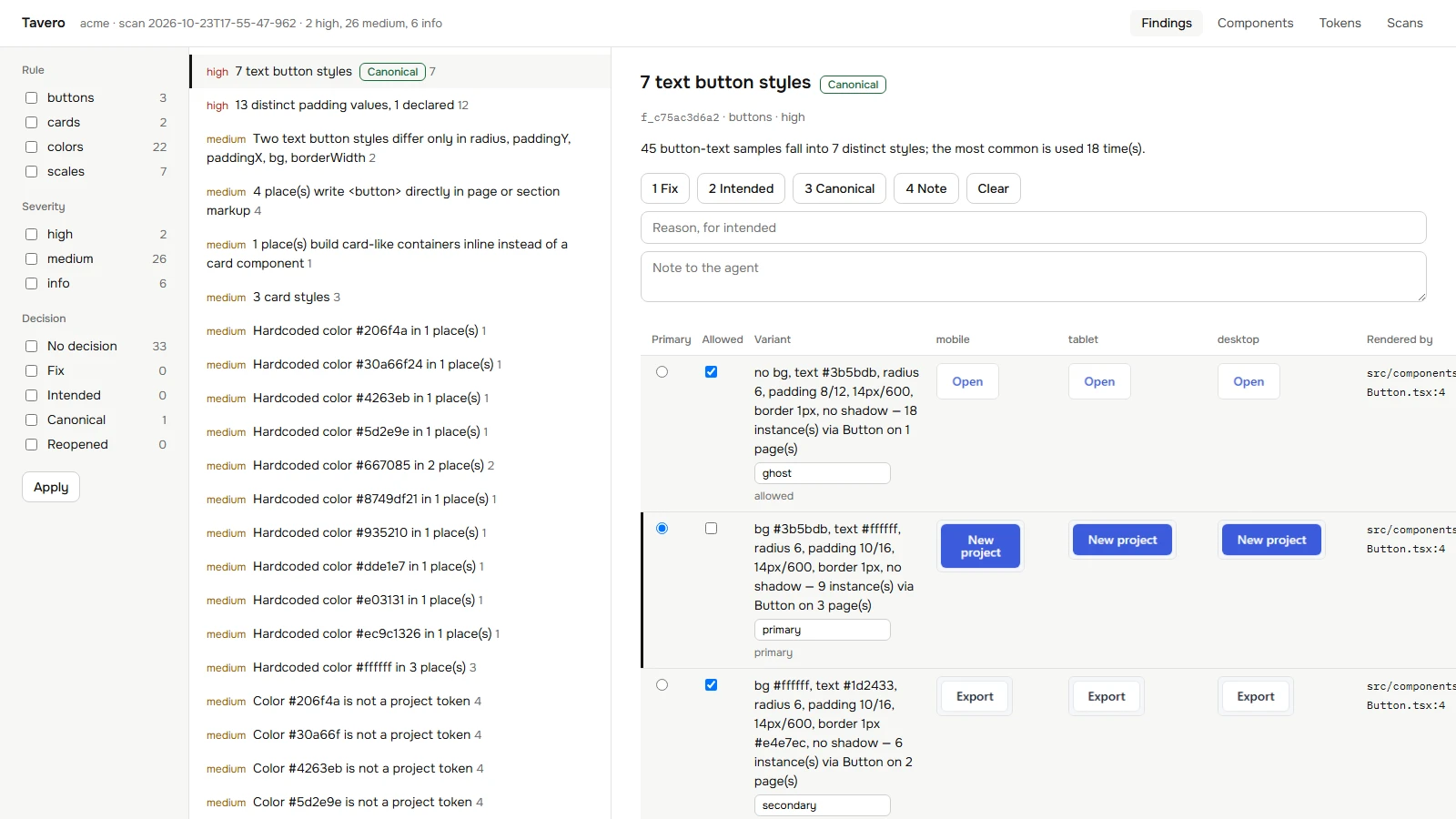
- Fix
- Confirmed work. The agent sees it first.
- Intended
- Hidden from the agent until the finding grows.
- Canonical
- The reference variant, with a name, used as the expected value.
- Note
- A message delivered with the finding.
Install
Add the package, then give your client the MCP config. Every config below is printed by tavero mcp --print-config.
npm i -D tavero// .mcp.json
{
"mcpServers": {
"tavero": {
"type": "stdio",
"command": "npx",
"args": [
"-y",
"tavero",
"mcp"
]
}
}
}// .cursor/mcp.json
{
"mcpServers": {
"tavero": {
"type": "stdio",
"command": "npx",
"args": [
"-y",
"tavero",
"mcp"
]
}
}
}// .codex/config.toml (trusted project) or ~/.codex/config.toml
[mcp_servers.tavero]
command = "npx"
args = ["-y", "tavero", "mcp"]
startup_timeout_sec = 60
tool_timeout_sec = 900// .gemini/settings.json
{
"mcpServers": {
"tavero": {
"command": "npx",
"args": [
"-y",
"tavero",
"mcp"
],
"timeout": 900000
}
}
}// .agents/mcp_config.json
{
"mcpServers": {
"tavero": {
"command": "npx",
"args": [
"-y",
"tavero",
"mcp"
]
}
}
}// .vscode/mcp.json
{
"servers": {
"tavero": {
"type": "stdio",
"command": "npx",
"args": [
"-y",
"tavero",
"mcp"
]
}
}
}// ~/.codeium/windsurf/mcp_config.json
{
"mcpServers": {
"tavero": {
"command": "npx",
"args": [
"-y",
"tavero",
"mcp",
"--dir",
"/your/app"
]
}
}
}Then ask your agent to read tavero_context before it writes UI. Quick start